
LPB Piso Wifi
The LPB Piso WiFi portal gives both customers and vendo owners easy control over their internet access. Through the dashboard at http://10.0.0.1, users can insert coins, pause their remaining time, and manage various settings designed for smooth browsing and business operation.
10.0.0.1/admin Login
For vendo owners, the admin dashboard can be opened through 10.0.0.1/admin. Here, the owner can check sales, create vouchers, update timer rates, limit speeds, and monitor overall system activity.
For Vendo Customers
How to Insert Money in LPB Piso WiFi?
- Connect your phone to the LPB Piso WiFi hotspot.
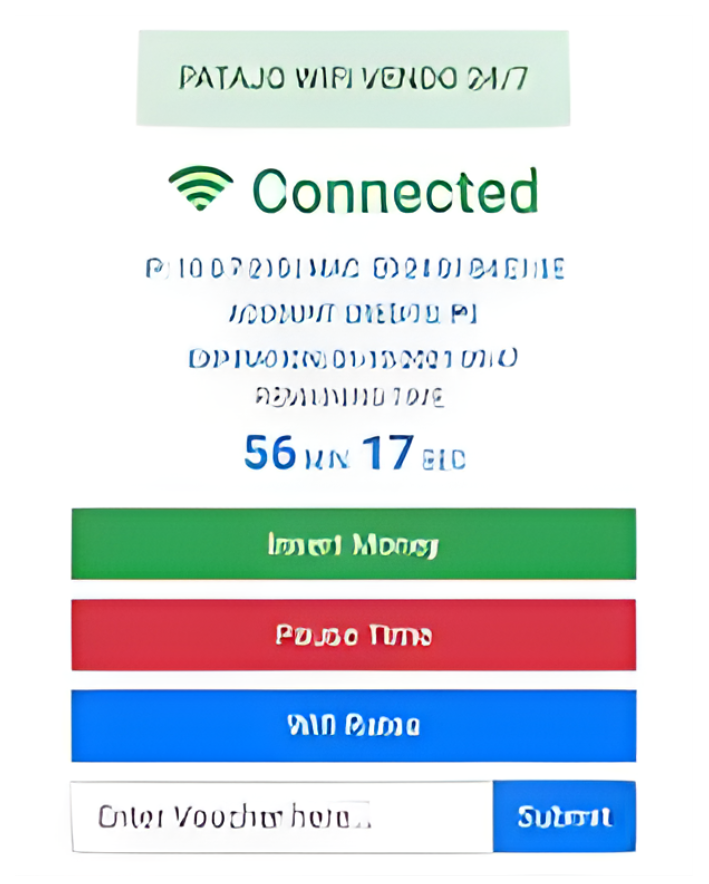
- Open your internet browser and type 10.0.0.1.
- On the homepage, click the Insert Money button.
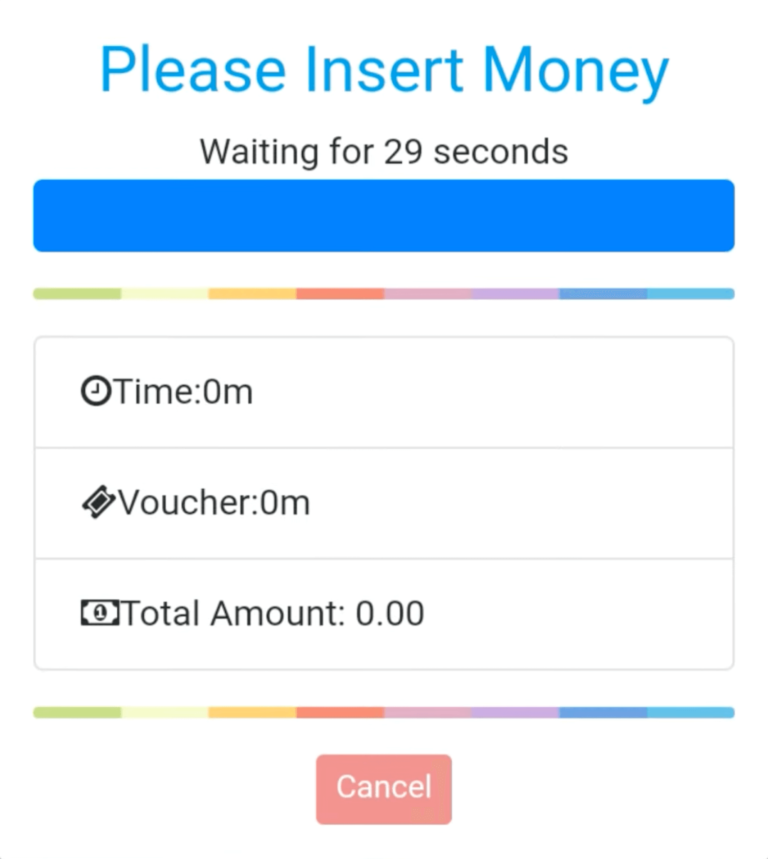
- After inserting the required amount, select Done Paying.
- Your session will automatically start, and you can now browse the internet.
How to Pause Time in LPB Piso WiFi?
- Type 10.0.0.1 in your browser to open the portal.
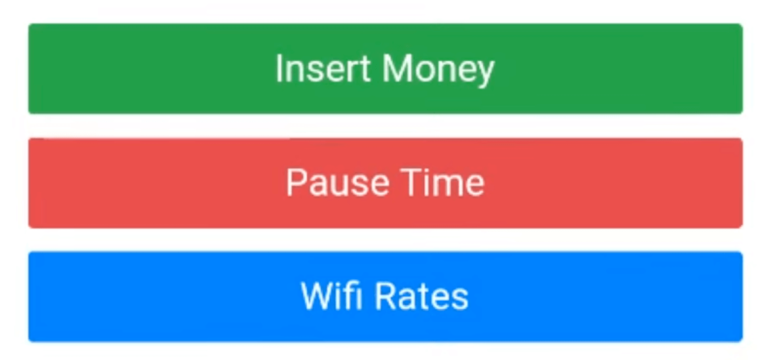
- Select the Pause Time option.
- Your session will pause, keeping your unused minutes safe.
- To continue, click Resume Time and you’ll be back online.
For Vendo Owners
How to Login to the Admin Portal
- Connect to your Piso WiFi network.
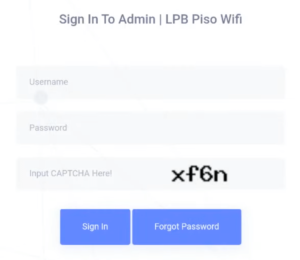
- Open your browser and type 10.0.0.1/admin.
- Enter the username and password, then press Sign In.
- You’ll see the Piso WiFi dashboard, which displays sales reports, system details, and total vending income.
How to Use Voucher Generator
- Click Generate Voucher and the code will appear in the table with its status.
- Go to the Voucher Generator tab.
- Input the amount, time duration, and validity period.
- You can also set download/upload speed and data limits.
How to Add Timer Rates
- Open the Timer Rates section.
- Click Add Rates.
- Enter how much money equals how many minutes, hours, or days (e.g., ₱10 = 3 hours).
- Save the changes to update customer options.
How to Set Wi-Fi Speed Limit
- Navigate to the Speed Limiter under the Network menu.
- Choose between Global Speed Limit (for everyone) or Per User Limit.
- Define upload and download speed limits.
- Save your changes to apply them instantly.
This ensures fair usage so one device doesn’t consume all the bandwidth.