
10.10.10.1
This is the official portal where both customers and owners can access WiFi settings. Unlike a normal WiFi connection, Piso WiFi lets users pay for internet by inserting coins. This makes it a very popular and affordable option in the Philippines.
The 10.10.10.1 login page works like a control panel. Customers use it to connect, pause time, or resume their internet session. On the other hand, owners use it to manage timer rates, vouchers, and security settings. Understanding how to access and use this portal is important for a smooth WiFi experience.
10.10.10.1 Login Guide
Logging in to 10.10.10.1 is very simple and only takes a few steps.
- Connect your phone, laptop, or tablet to the LPB Piso WiFi network.
- Open a web browser and type http://10.10.10.1 into the address bar.
- You will see the login page of the Piso WiFi portal.
- Enter your username and password if required (owners use admin login, while customers normally don’t need it).
- Click Login to access the portal.
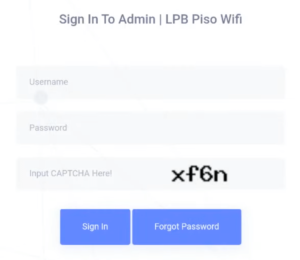
Once logged in, customers can insert coins and connect, while owners get access to advanced controls.
💡 Pro Tip for Owners: The default username and password are usually set by the vendo machine provider. For better security, always change the default password to avoid unauthorized access.
How to Insert Coins in LPB Piso WiFi
The main feature of Piso WiFi is its coin-based internet connection. Here’s how it works:
- Connect to the Piso WiFi network on your device.
- Open any browser and type 10.10.10.1.
- On the homepage, click the Insert Coins button.
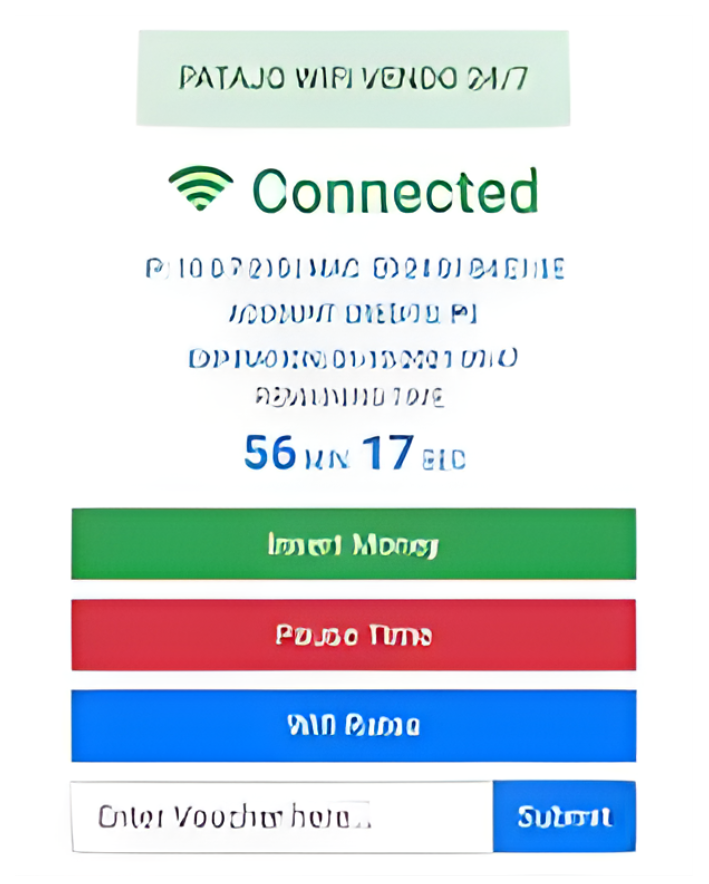
- Insert the required number of coins into the machine.
- Once the machine detects your payment, click CONNECT.
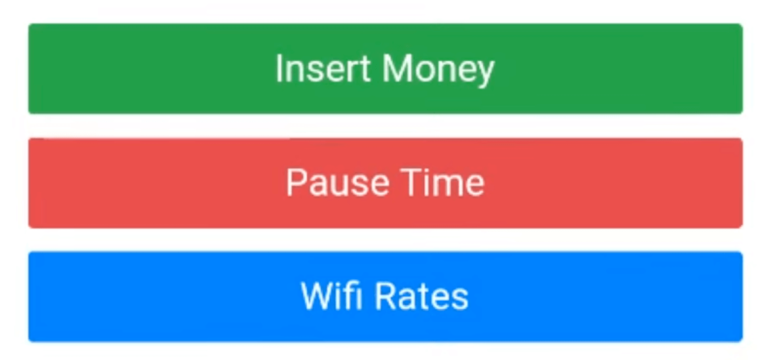
You will now be able to browse the internet until your paid time runs out.
Another useful feature is the Pause Time option. If you need to stop browsing for a while but don’t want to waste your remaining minutes, just click Pause Time. Later, when you’re ready, click Resume to continue using the balance time.
This feature is one of the main reasons Piso WiFi is so popular—it gives customers more control over their internet usage.
Troubleshooting 10.10.10.1
Sometimes, you may face issues when trying to open or use 10.10.10.1. Below are common problems and their solutions:
- Problem: 10.10.10.1 not opening
Solution: Make sure you are connected to the correct Piso WiFi network. The portal will only open when connected to the vendo’s WiFi. - Problem: Page not loading
Solution: Clear your browser cache or try another browser like Chrome or Firefox. - Problem: Wrong username or password
Solution: If you are an owner, reset the machine to default settings to get the original login details. - Problem: Coins not being detected
Solution: Check if the coin slot is clean and make sure you are using the correct coin type. If the problem continues, contact the vendo provider. - Problem: Slow internet
Solution: Sometimes, too many users are connected at the same time. Owners can use the admin portal to limit speed per device.